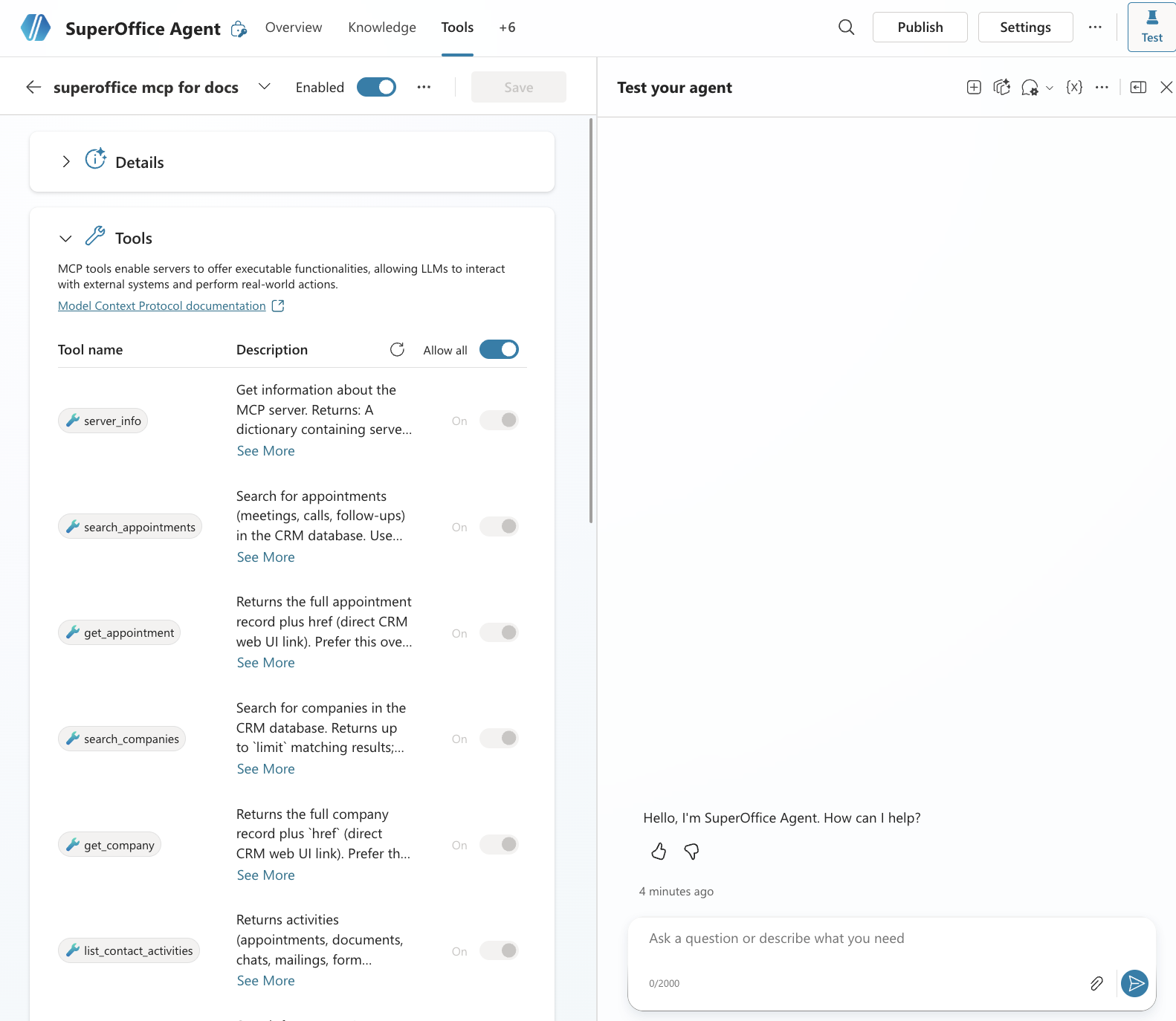
← SuperOffice MCP Server
Connect with Microsoft Copilot Studio
Add the SuperOffice MCP Server as a tool in Microsoft Copilot Studio.
Add the MCP server
- Sign in to Microsoft Copilot Studio
- Select your environment
- Go to Agents and create a blank agent (or open an existing one)
- Go to the Tools tab
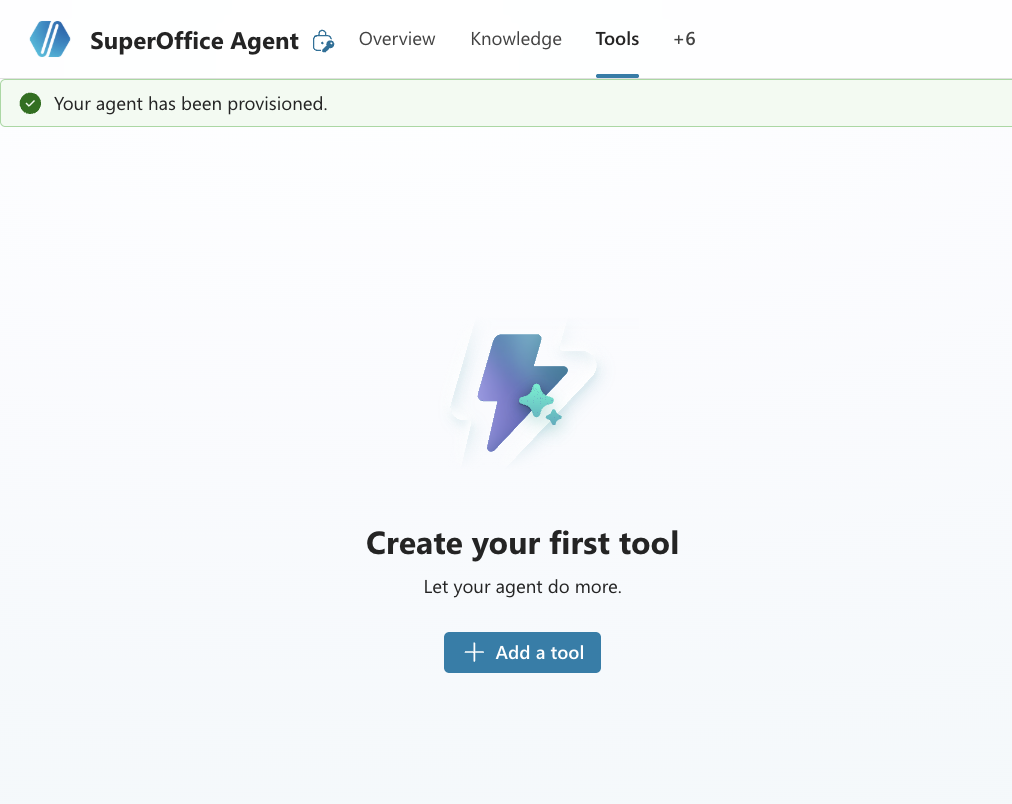
- Click Add a tool → Add new MCP
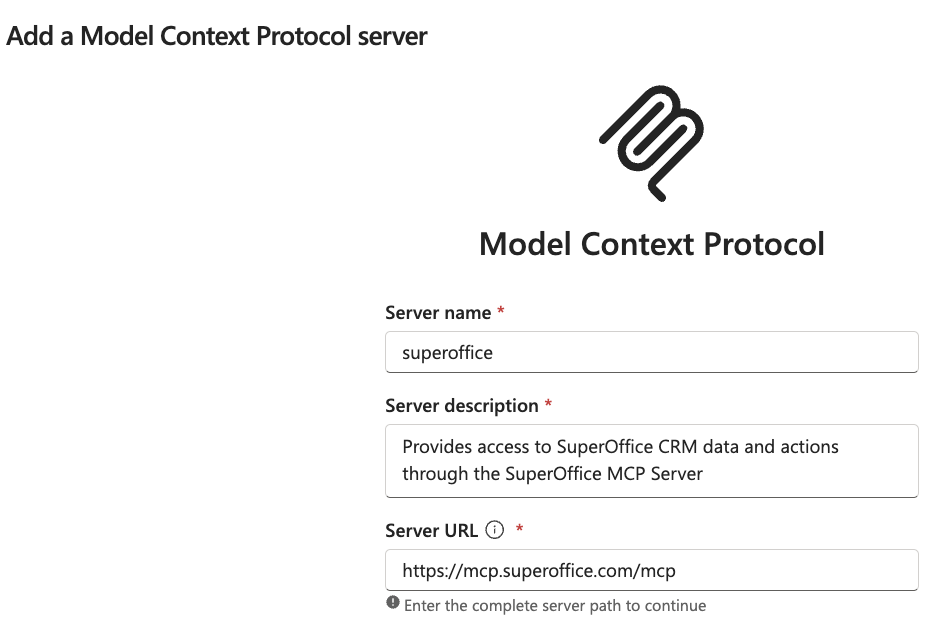
- Enter the MCP server URL:
https://mcp.superoffice.com/mcp
- Set Authentication to OAuth 2.0 with Dynamic discovery
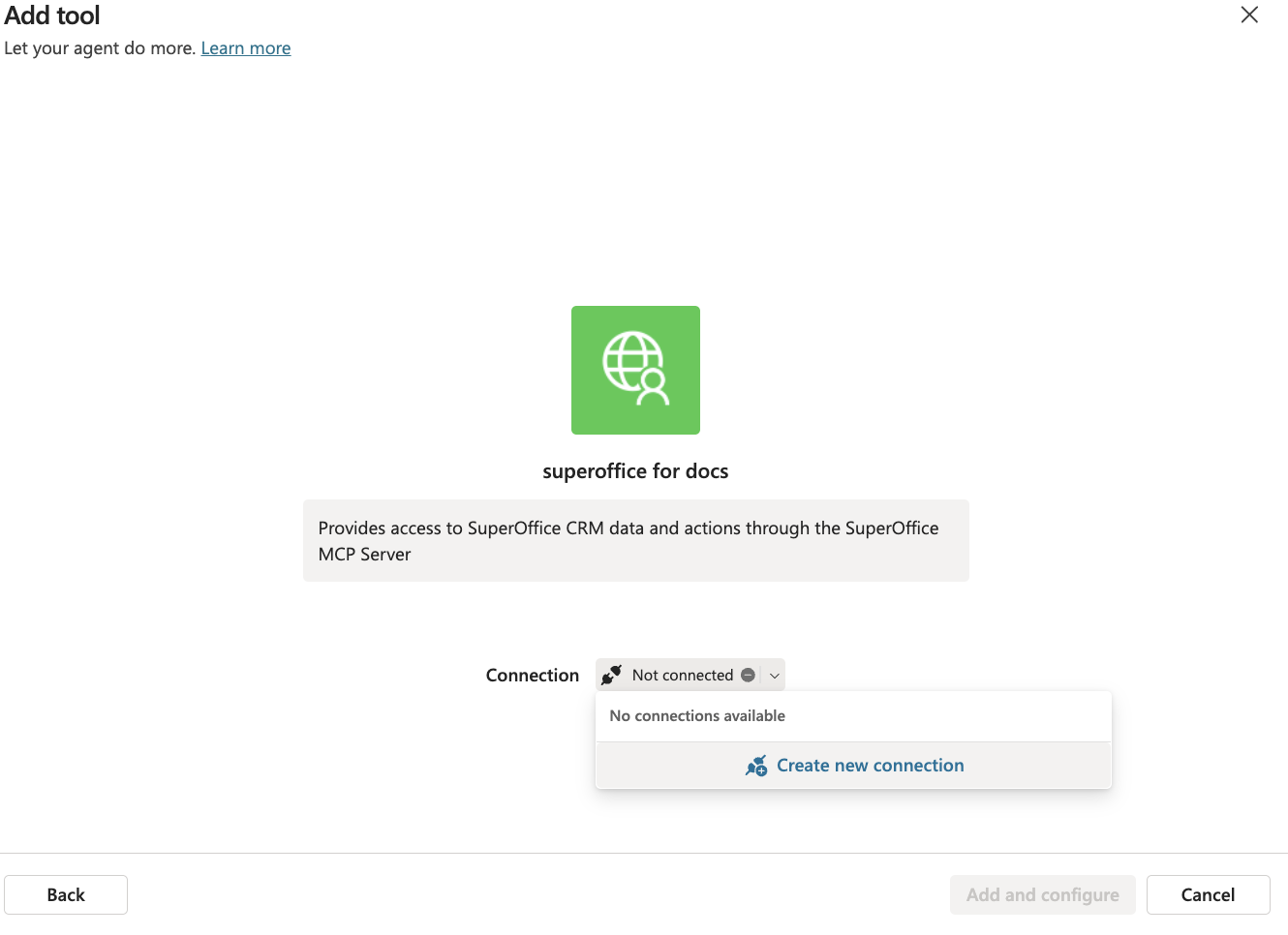
- Click Create
- Create a new connection if prompted
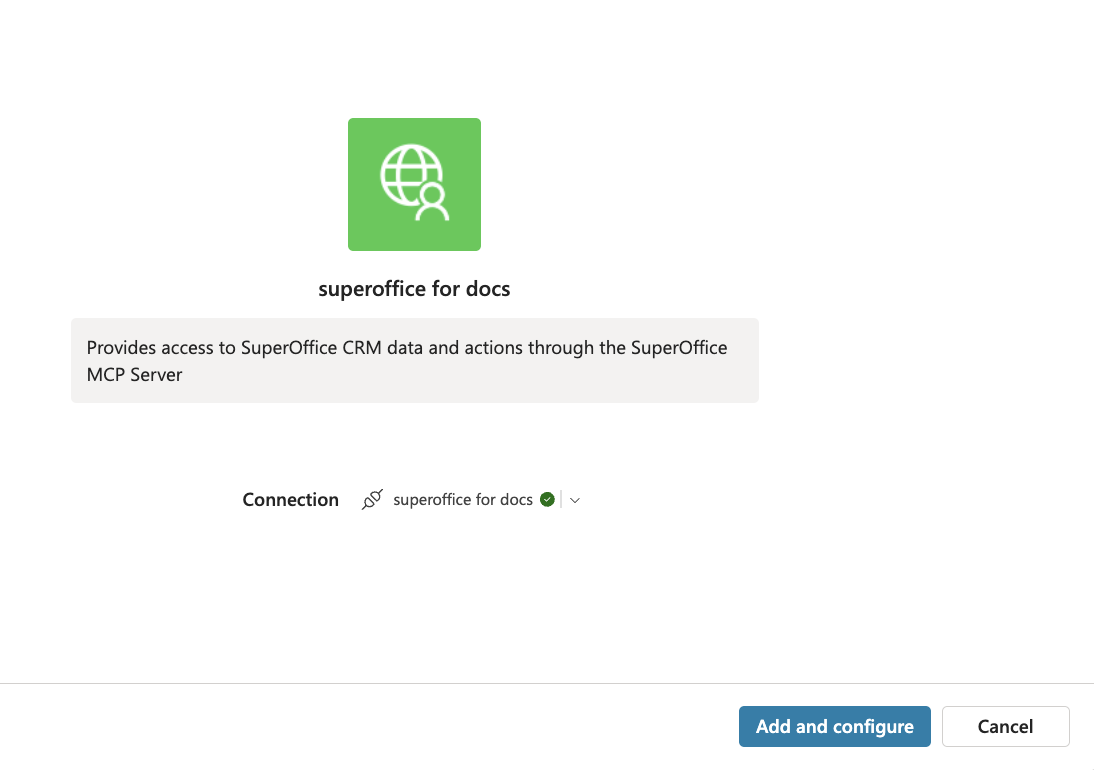
- Click Add and configure to finish