Add the SuperOffice MCP Server to Claude Code.
Run the following command to add the server for all projects:
claude mcp add --transport http --scope user superoffice https://mcp.superoffice.com/mcpThen start Claude Code:
claude/mcp to list servers and find superoffice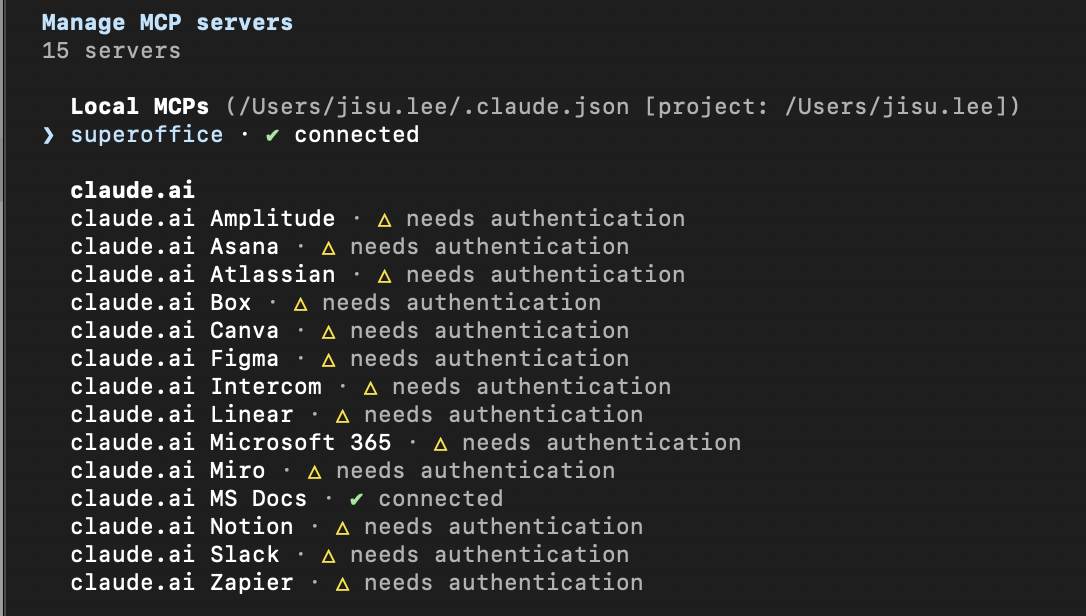
Navigate to your project:
cd /path/to/your/projectRun the following command to add the server for this project only:
claude mcp add --transport http --scope project superoffice https://mcp.superoffice.com/mcpThis creates or updates .mcp.json in the project root.
Start Claude Code:
claude/mcp and approve the project-scoped server when prompted