← SuperOffice MCP Server
Connect with ChatGPT
Add the SuperOffice MCP Server as a custom app in ChatGPT.
Add the MCP server
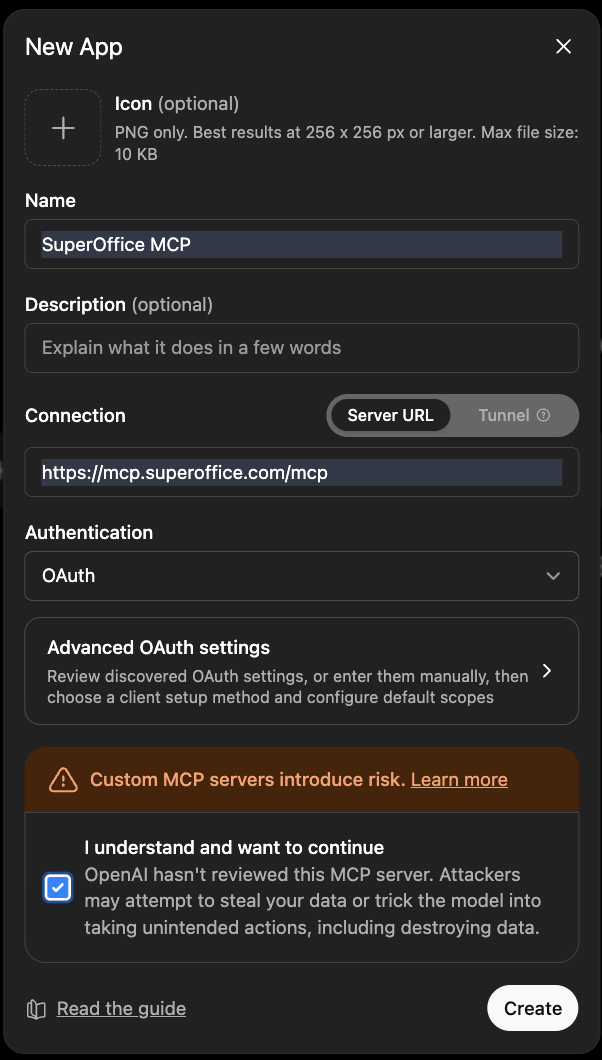
Use the following settings when adding the server:
- Endpoint:
https://mcp.superoffice.com/mcp
- Authentication: OAuth
- Sign in to ChatGPT
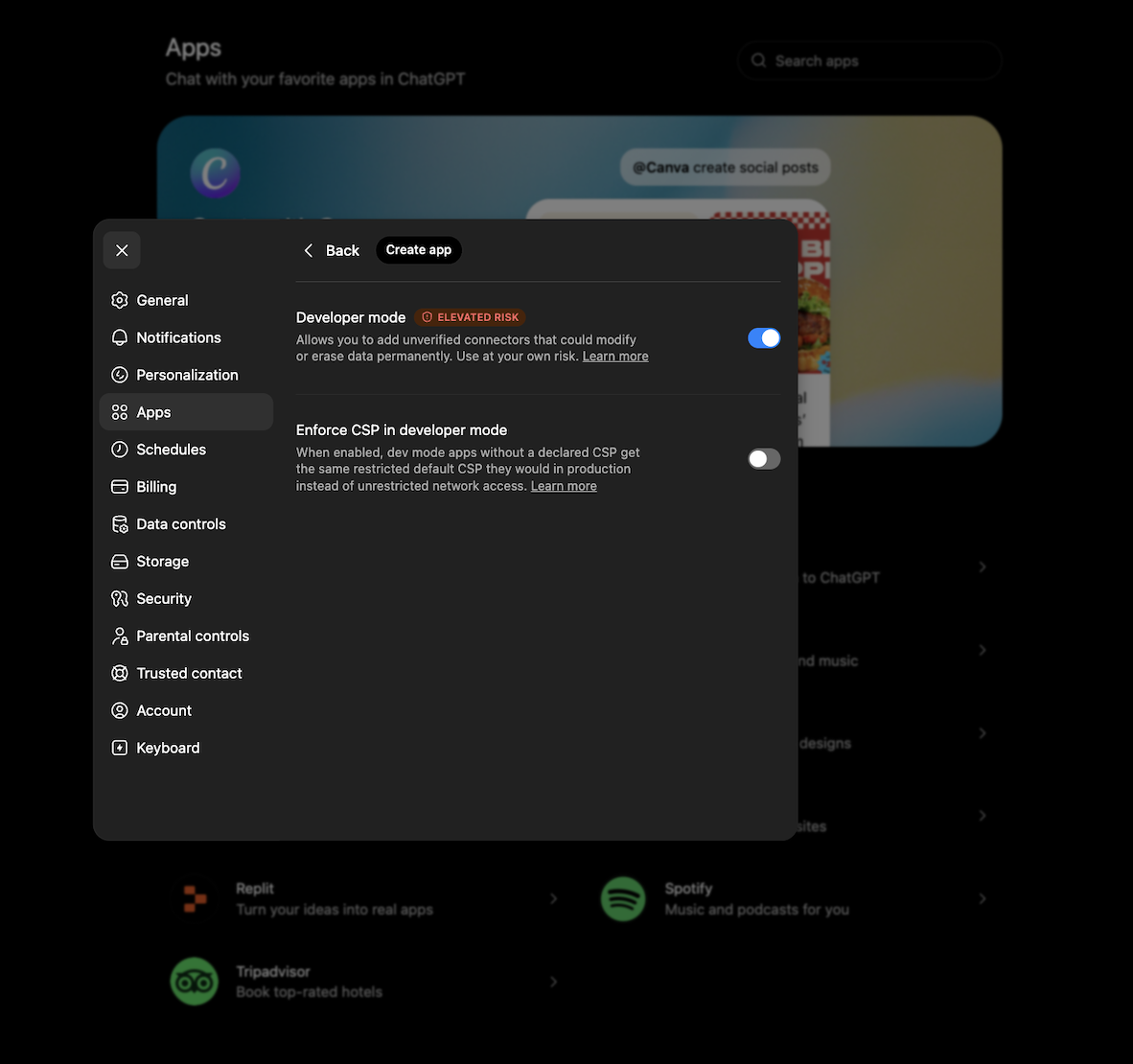
- Go to Settings → Apps → Advanced settings
- Enable Developer mode
- Click Create app
- Fill in the endpoint URL and select OAuth authentication
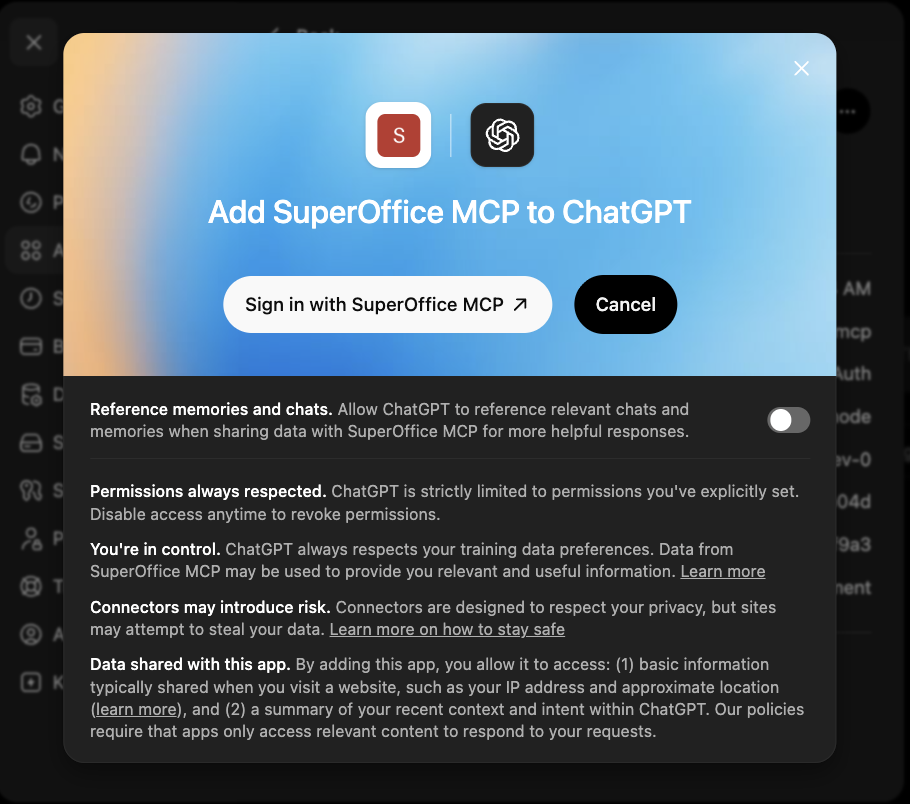
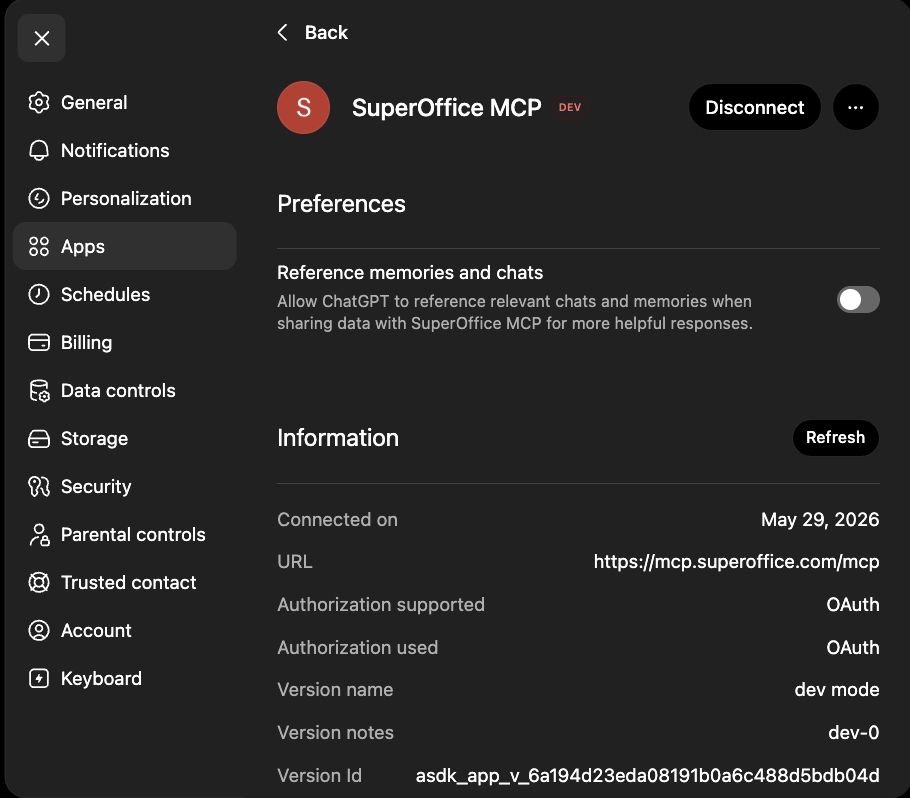
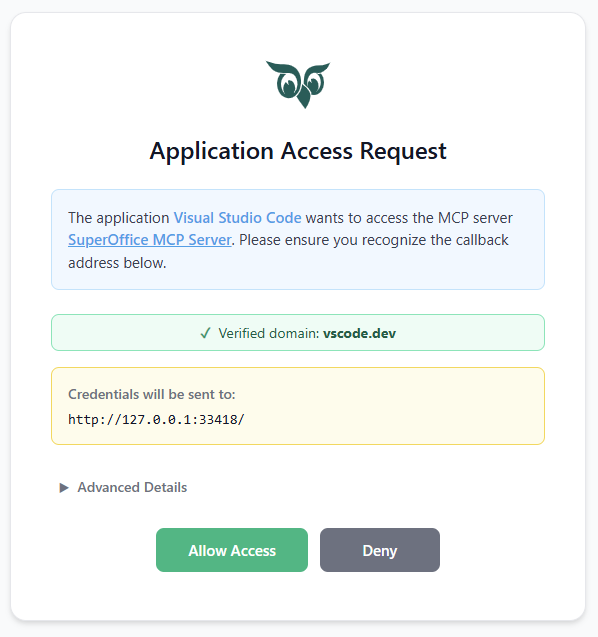
- Complete the consent flow
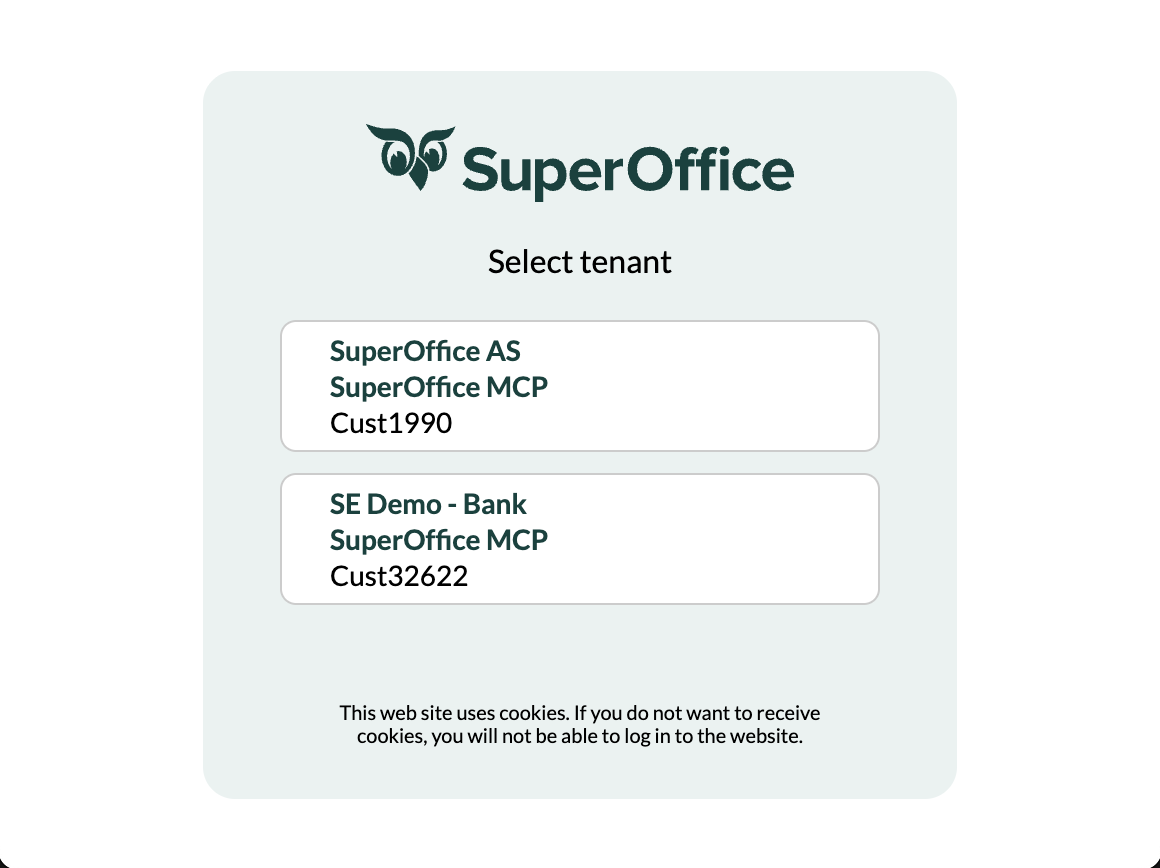
- Click Create and sign in with SuperOffice credentials